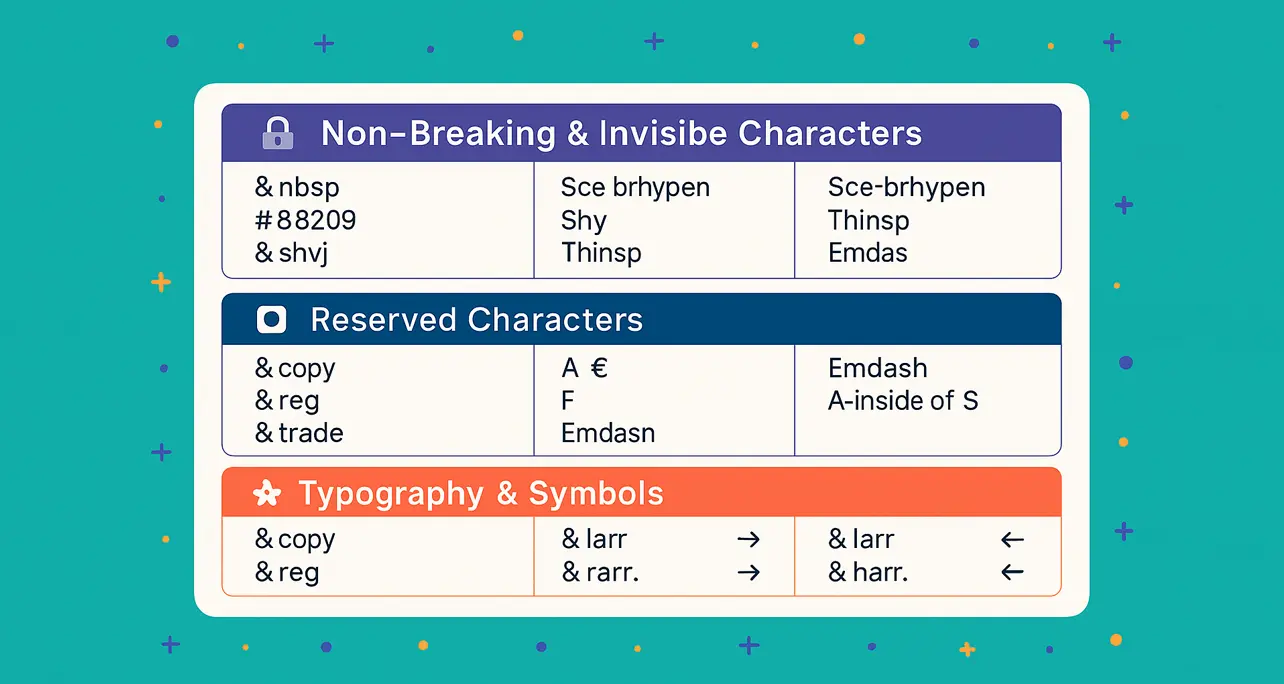
HTML character entity codes let you use special characters in your HTML that either can’t be typed directly or would otherwise interfere with HTML syntax. Below is a quick reference to the most useful ones for layout, typography, and clean formatting.
🔒 Non‑Breaking & Invisible Characters
— Non‑breaking space (U+00A0): Prevents automatic line breaks between words.‑— Non‑breaking hyphen (U+2011): Prevents splitting a hyphenated word across lines.­— Soft hyphen (U+00AD): Hyphen appears only if the word breaks at that point. — Thin space (U+2009): A subtle space between characters, useful for precise typesetting.‌— Zero‑width non‑joiner (U+200C): Prevents ligatures between letters.‍— Zero‑width joiner (U+200D): Forces ligature where one wouldn’t normally form.
🛑 Reserved Characters in HTML
Used to safely display code‑related characters:
&—&(ampersand)<—<(less than)>—>(greater than)"—"(double quote)'—'(apostrophe/single quote)
✍️ Typography & Symbols
©— © (copyright)®— ® (registered trademark)™— ™ (trademark)•— • (bullet)…— … (ellipsis)–— – (en dash, U+2013): Used for number ranges like10–20—— — (em dash, U+2014): The long hyphen — great for breaks in thought or emphasis
💰 Currency Symbols
¢— ¢$— $ (optional, but works)€— €£— £¥— ¥
➡️ Arrows & Navigation
←— ← (left arrow)→— → (right arrow)↑— ↑ (up arrow)↓— ↓ (down arrow)↔— ↔ (left‑right arrow)
⚡ Bonus Tip: Use Numeric Codes
You can use decimal or hexadecimal codes to access any Unicode character:
 — Thin space—or—— Em dash (long hyphen)
📌 Final Note
HTML entities give you fine control over layout and readability — perfect for writing that looks as good as it reads. Keep this list handy next time you’re coding or writing markup.
About the Author

Dusty Hale
I’m a professional full stack web application developer having worked in multiple application stacks for 28+ years, since 1998. My career began in Atlanta, GA, where I worked as a developer with Kaplan Communications, Spun Logic, and b2bTech. In current times, I am the project director for hale.group. I live in Tamarindo, Costa Rica and work remotely from a dedicated work space.